Everything you need to run a great live quiz

From writing your first question to celebrating a winner, Kwizly covers the whole journey — build, host and play, all in real time.

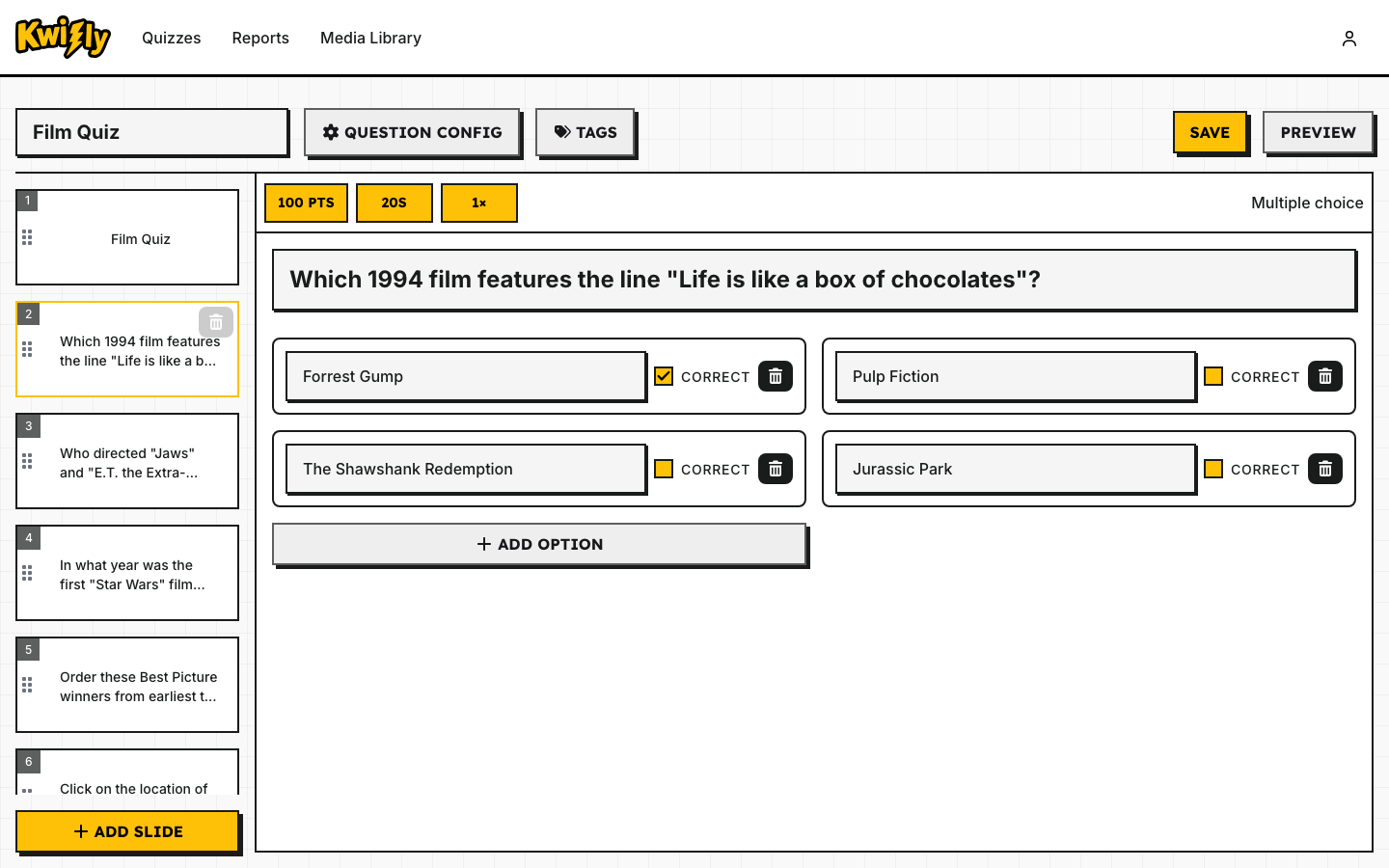
The Kwizly quiz editor, with a multiple-choice question selected in the slide list

Build quizzes visually

Design each slide in a drag-and-drop editor. Mix question slides with basic content slides for titles, instructions or fun facts, and choose from five question types — multiple choice, text entry, range, ordering and geo-locate.
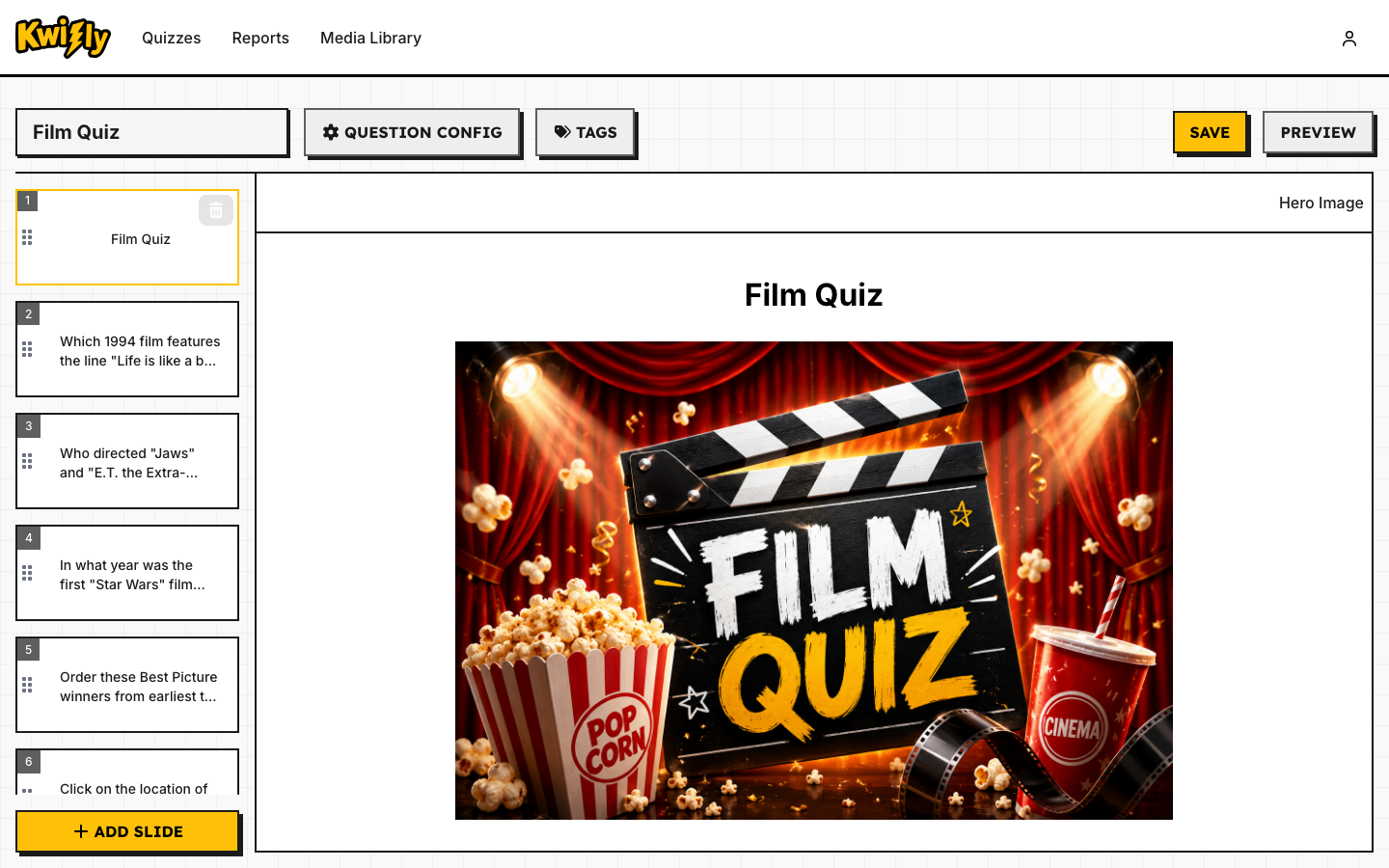
A full-bleed hero image slide titled "Film Quiz" in the Kwizly editor

Bring your slides to life

Mix rich media slides in alongside your questions — full-bleed hero images, split layouts and more — to set the scene, introduce a topic, or give players a breather between rounds.

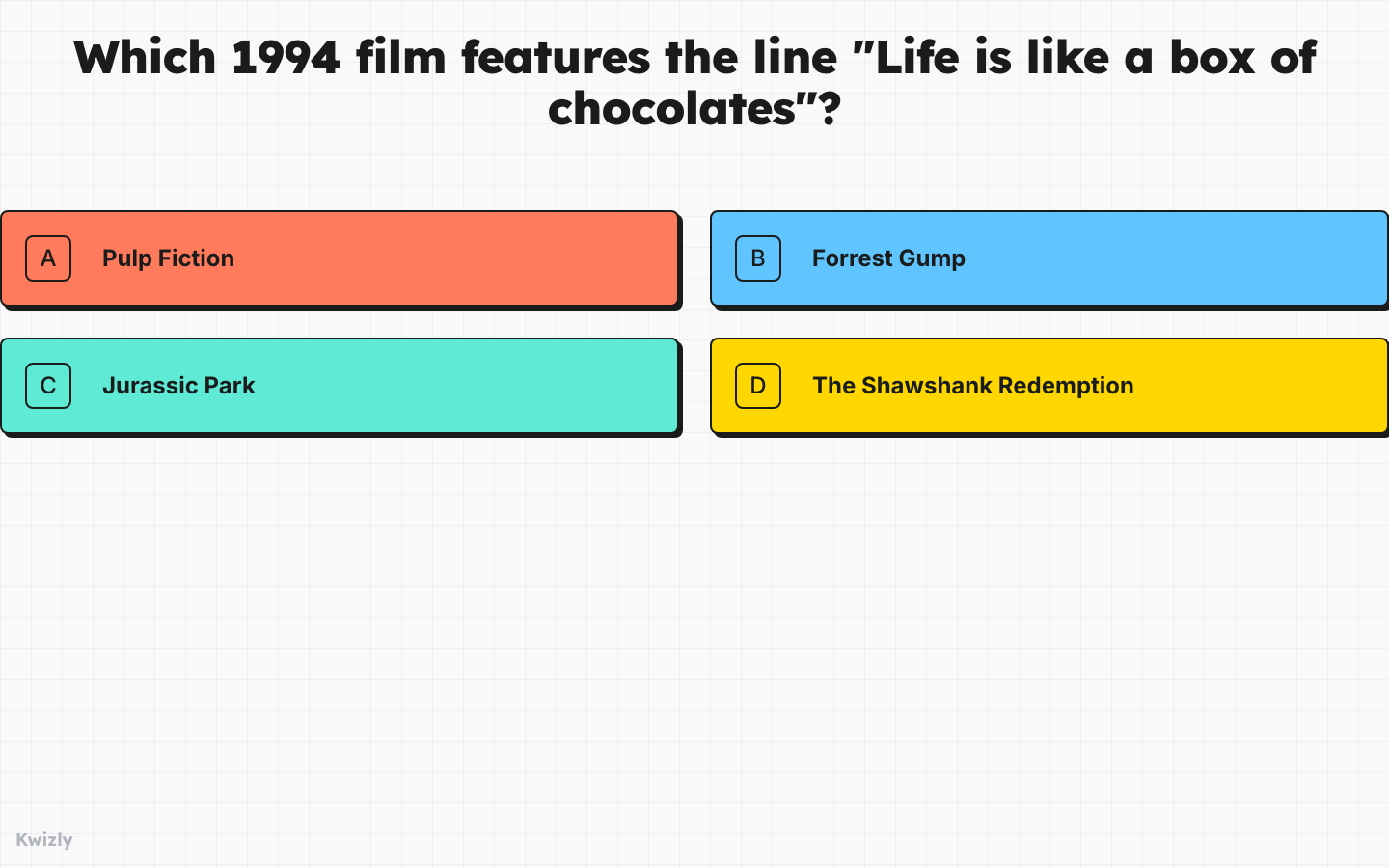
The big-screen presentation view showing a live question and timer

Host live, at your own pace

Start a session and share a join code. Control when each question appears from your own screen, while the big screen keeps everyone else in sync.

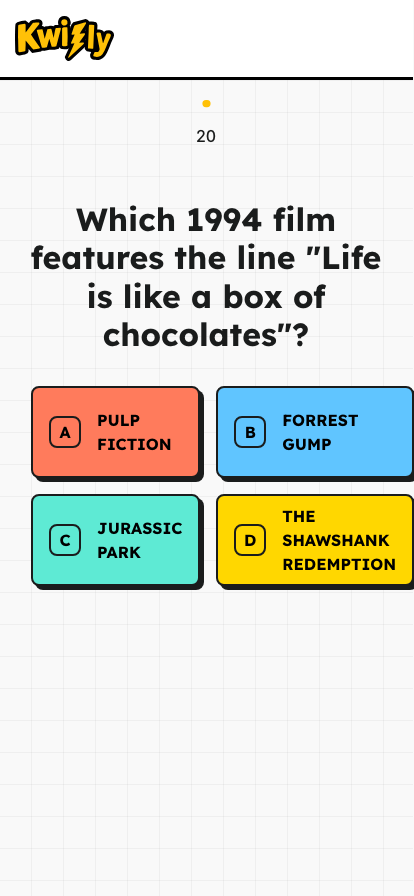
A player's phone mid-question, with answer options and a countdown timer

Play from any device

Players join with a code or link — no app to install. Questions arrive instantly on their own phone or laptop, with immediate feedback after every answer.

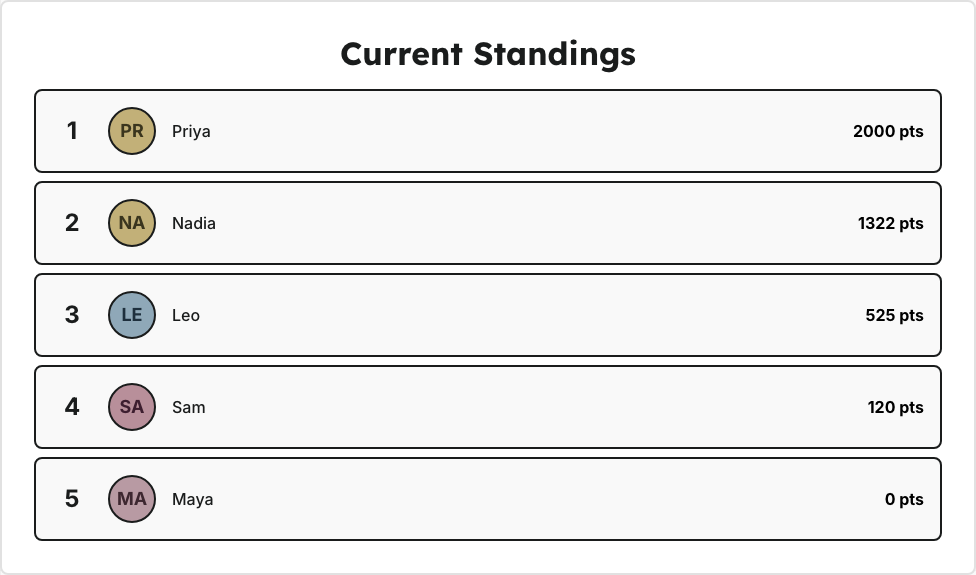
The live leaderboard shown between questions, with player names and scores

Keep everyone hooked with live scoring

Points reward both accuracy and speed, and the leaderboard updates after every question so players can see exactly where they stand.

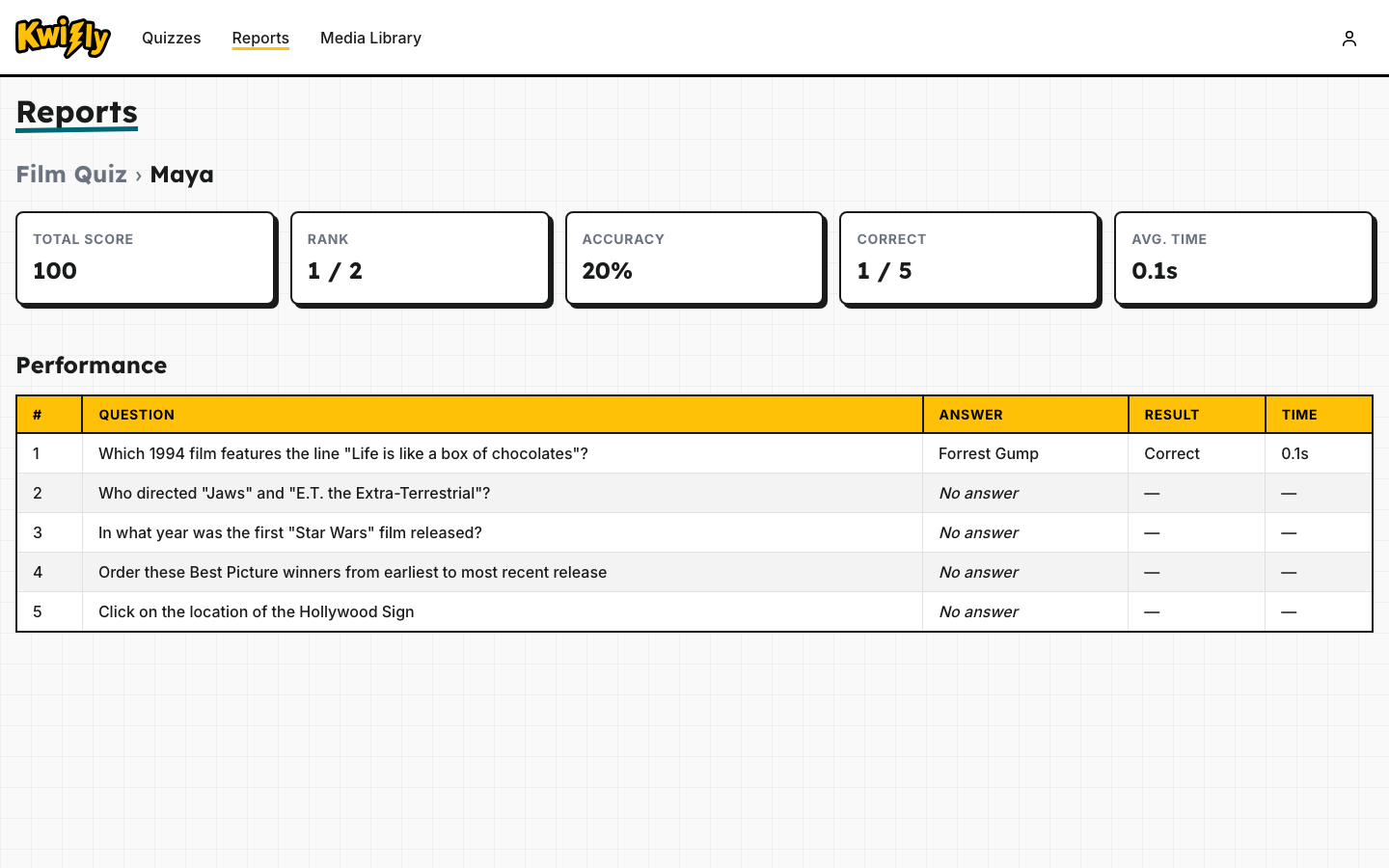
A completed quiz report showing one player's per-question performance breakdown

Review how every session went

Once a quiz ends, dig into detailed reports for each question and each player to see what landed and what to improve next time.

Ready to run your first quiz?

Get started free